
The premium
Android & Wear OS installer.
Universal Installer is a professional package manager for Phone, Wear OS smartwatches, and Android TV with fluid animations, custom installer profiles, and powerful privileged features.
Get Universal Installer
Available across all your Android devices — Phone, Tablet, Wear OS & TV.
Phone, Tablet, Wear OS & TV
One unified installer tailored for touchscreens, smartwatches, and big TV screens.
- Phone, Tablet & Wear OS on Google Play
- Android TV & D-Pad navigation
- Shizuku, Root & Dhizuku support
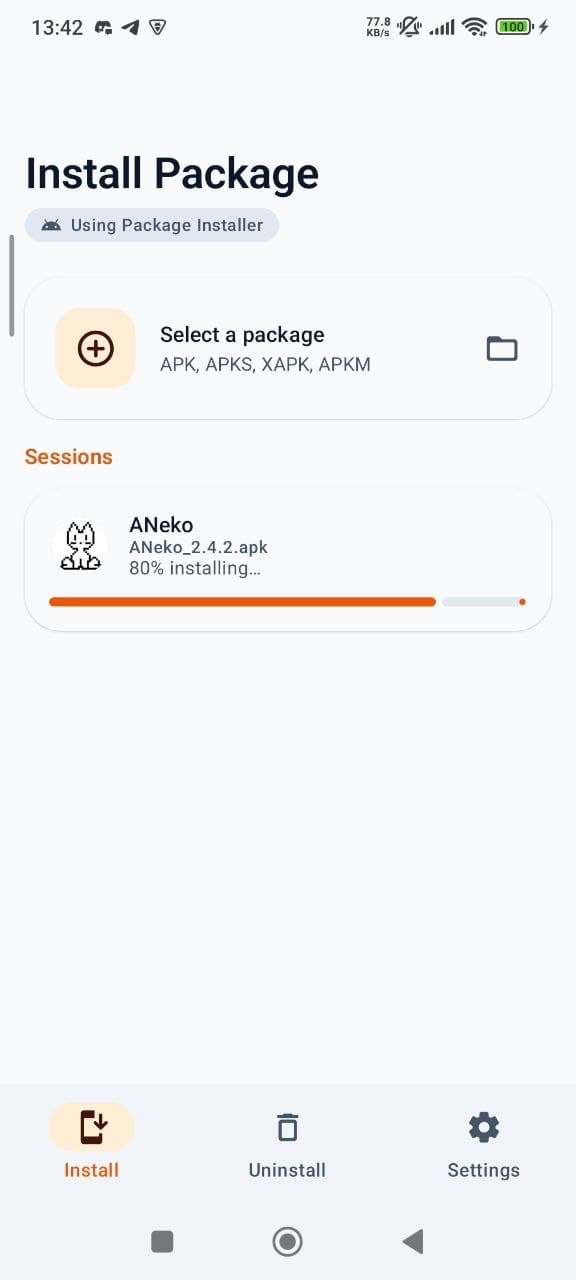
- Split APK, APKS, XAPK & APKM
Universal vs. The Others
Why power users choose Universal Installer.
| Features | Universal | System | Others |
|---|---|---|---|
| Split APK (.apks, .apkm) | |||
| XAPK with OBB Support | |||
| Installer Spoofing | limited | ||
| Installer Profiles | |||
| LAN Sync & Share | |||
| VirusTotal Integration | |||
| Material 3 Expressive UI | standard | classic | |
| Wear OS & Android TV Support |
Supported formats
One installer for everything Android throws at you.
Standard Android packages
Split APK bundles
Compressed bundles with OBB
APKMirror split bundles
A new standard for package management
Every feature is refined for a fast, secure, and beautiful installation experience.
Expressive UI
Premium, bouncy spring animations and fluid dialogs for a living, responsive feel.
Installer Profiles
Save and reuse custom configurations (spoofing, flags, user targets) per app.
Split APK Handling
Merge and install bundled packages that the default system installer can't handle.
OBB & Data Support
Auto-detects and installs OBB files for games via Shizuku or SAF tree grants.
VirusTotal Security
Optional malware lookup and full file scanning with your own API key.
Sync & Share (LAN)
Share APKs across Wi-Fi with a built-in HTTP server and beautiful web dashboard.
Targeted User Installs
Install apps to specific profiles (Work, Island) or all users simultaneously.
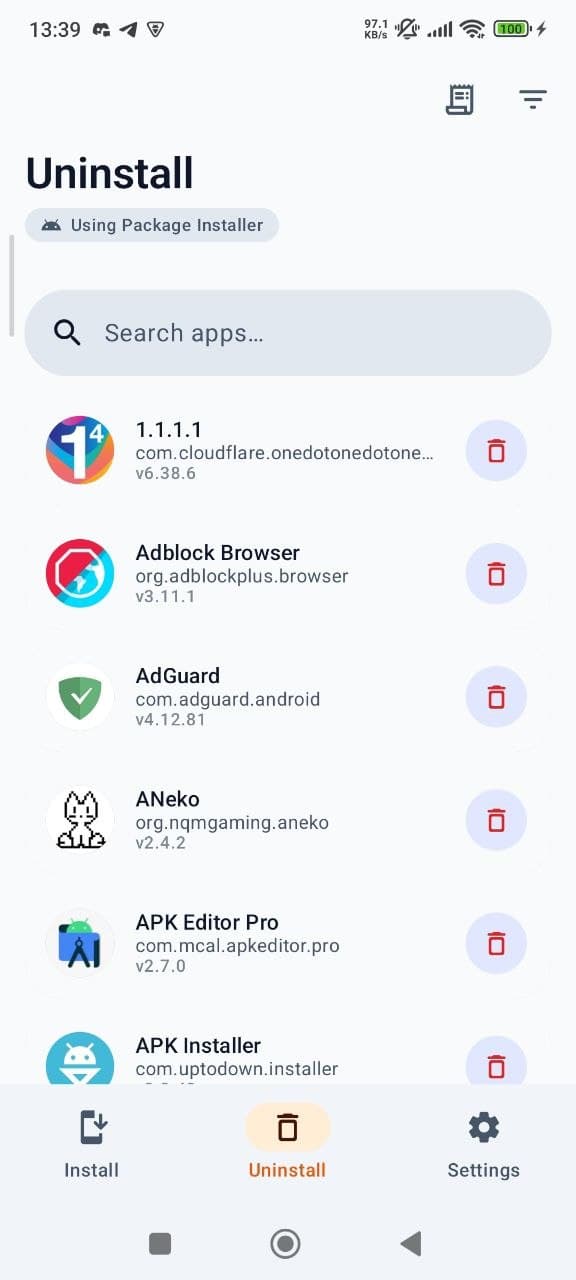
Batch Management
Select multiple apps for batch uninstallation or multi-package installations.
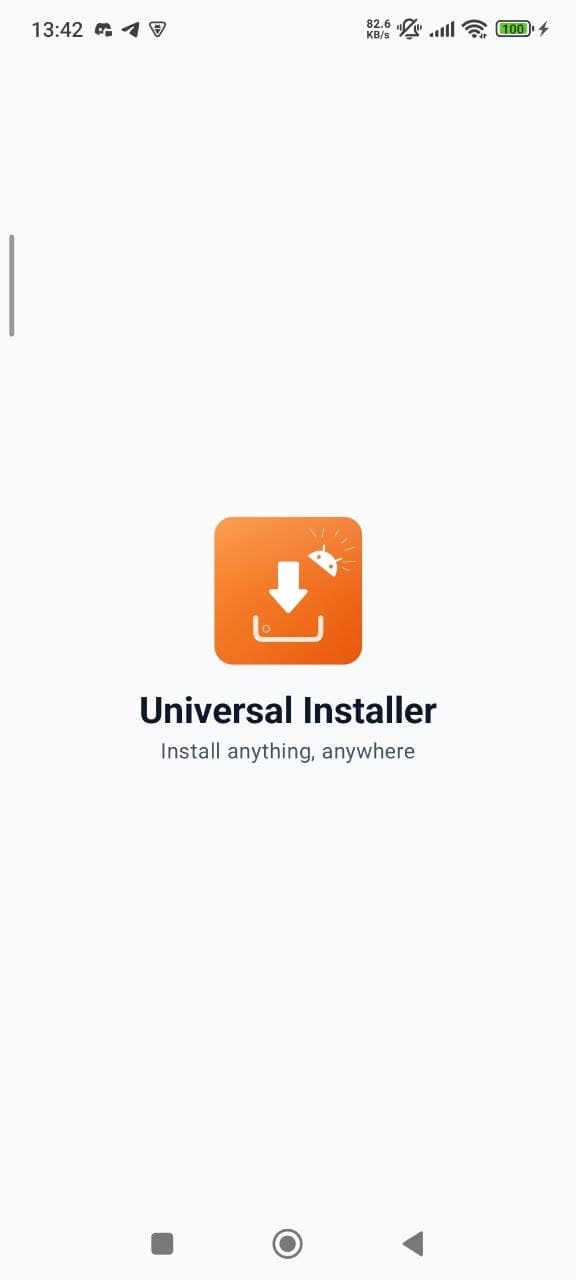
The Living UI
Fluid transitions, bouncy springs, and a professional Orange identity.
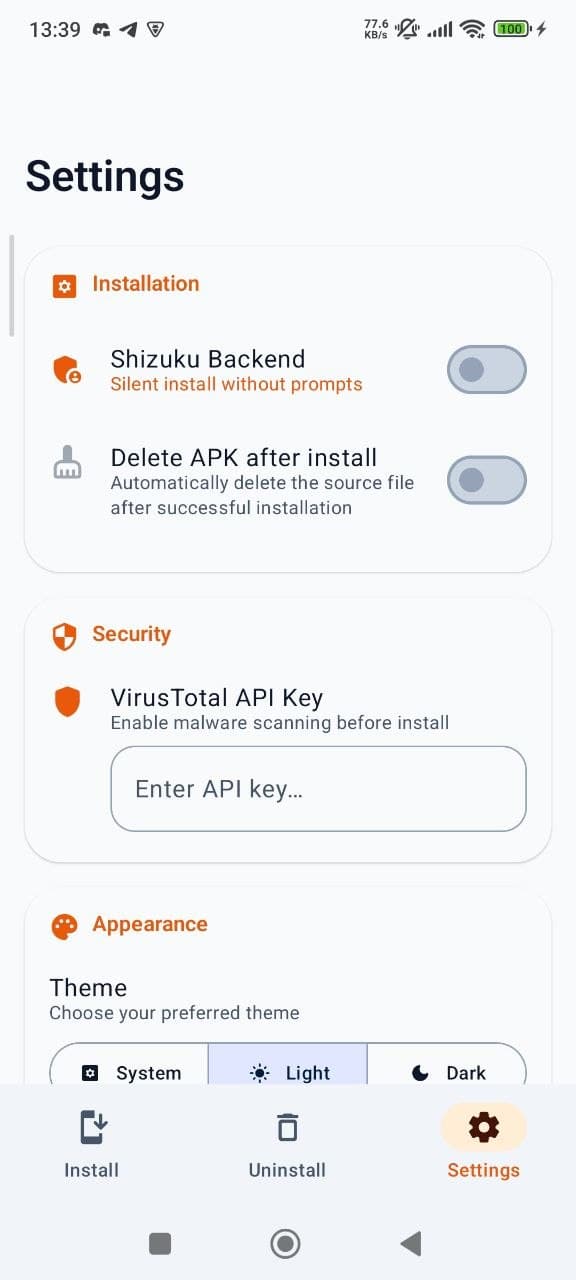
Privileged power
Enable Shizuku or Root to unlock silent installs, installer spoofing, and advanced flags. Save your favorites into **Installer Profiles** for one-tap specialized installs.
- Silent install without user prompts
- Installer source spoofing (Play Store, etc.)
- Replace existing packages seamlessly
- Allow version downgrades
- Target specific user profiles
- Bypass low target SDK restrictions
- Auto-grant all requested permissions
Privacy you can actually verify
No accounts, no ads, and never a record of what you install. The Play build reports anonymous install statistics and crashes; the GitHub build reports nothing at all. Universal Installer is fully open source, so none of this has to be taken on trust.
- No internet required for core functionality
- VirusTotal scanning is optional and uses your own API key
- No ads, no accounts, and package names are never reported
- The GitHub build ships without any analytics or crash reporting
- Fully open source — inspect the code yourself
Sponsor development
Universal Installer is free and open source. If it saves you time, consider sponsoring the project on GitHub — every contribution helps.

The ultimate package installer.
Join 30,000+ users managing their Android apps with power and style.